
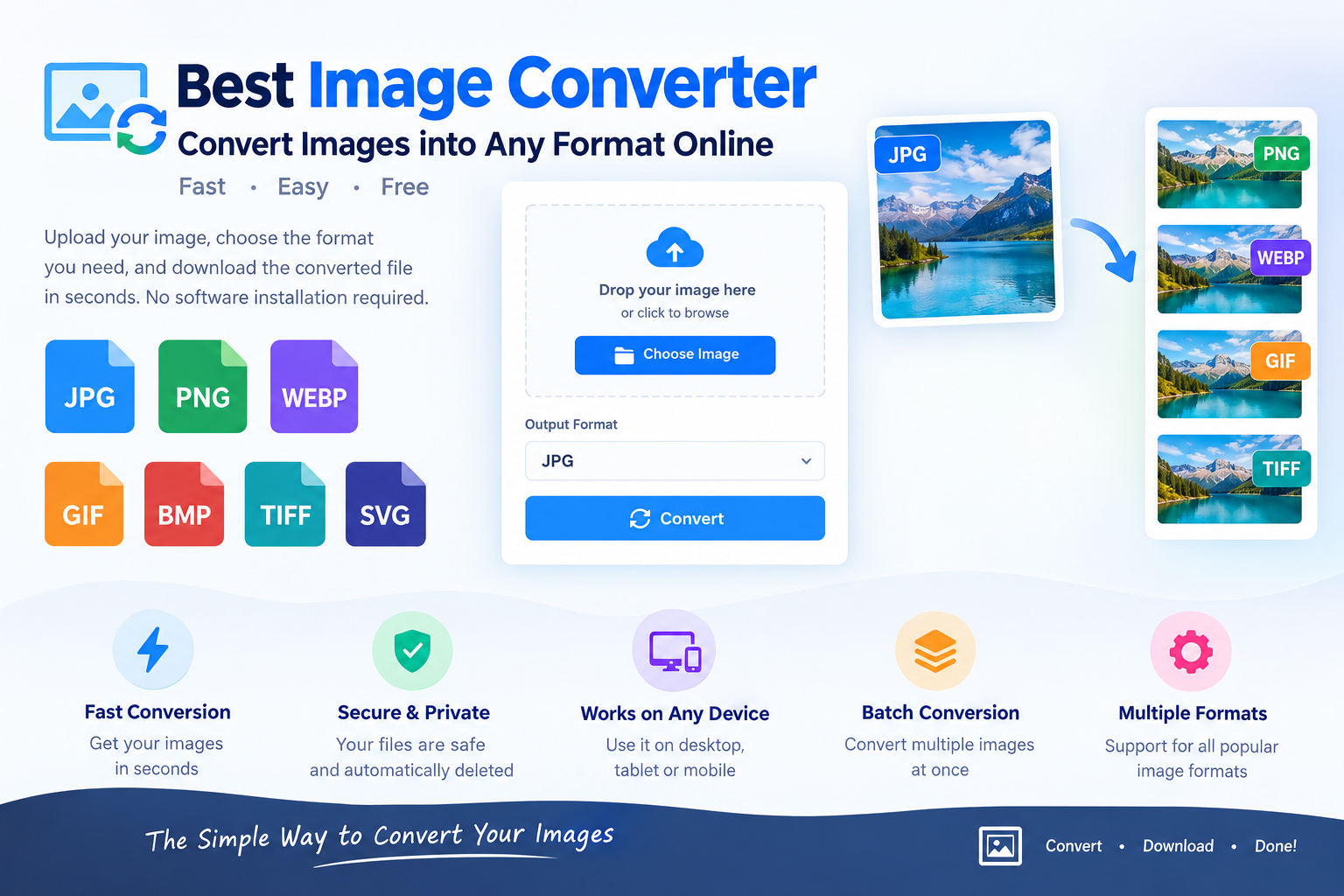
Best Image Converter - Convert Images into Any Format Online
Images are used everywhere today, from websites and social media to online stores, documents, presentations, blogs, advertisements, and mobile applications. The problem is that not every platform supports every image format. A website may require WebP, a document may work better with JPG, a graphic designer may need PNG with transparency, while a professional workflow may require TIFF or another high-quality format.
This is where a reliable image converter becomes useful.
A good image converter lets you change an image from one format to another without complicated software or advanced editing skills. Instead of installing a large desktop application, you can use an online image converter to upload your image, choose the required output format, and download the converted file.
With the right tool, you can convert images to JPG, PNG, WebP, GIF, BMP, TIFF, and other supported formats quickly and conveniently.
What Is an Image Converter?
An image converter is an online or desktop tool that changes an image from one file format into another. For example, you can convert a PNG image to JPG, a JPG image to WebP, or a WebP image to PNG.
Different image formats are designed for different purposes. JPG is commonly used for photographs because it can provide relatively small file sizes. PNG is useful when transparency and lossless quality are important. WebP is widely used on websites because it can provide smaller file sizes while maintaining good visual quality.
An image format converter handles the technical conversion process for you.
Instead of opening an image in professional editing software and manually exporting it, you can simply select the desired format and convert the file online.
Why Do You Need an Image Converter?
There are many reasons why someone may need to convert an image.
A website owner may want to convert JPG or PNG files to WebP to improve page loading speed. A designer may need a PNG version of an image because transparency is required. A user may receive an image in an unsupported format and need to convert it before opening or uploading it.
Common reasons include:
Reducing image file size
Improving website performance
Making images compatible with a specific platform
Preserving transparency
Preparing images for printing
Converting images for social media
Changing an unsupported file format
Preparing images for websites
Converting multiple images at once
Creating files for documents or presentations
A good online image converter makes these tasks much easier.
Convert Images Online Without Installing Software
One of the biggest advantages of an online image converter is convenience.
Traditional image editing applications can be large, complicated, and unnecessary for simple format conversion. If you only need to convert a PNG file to JPG, installing professional image-editing software may be excessive.
An online converter provides a simpler workflow.
Upload your image, choose the output format, start the conversion, and download the result.
This approach is particularly useful when working from different computers or mobile devices because you do not need to install specialized software.
Convert JPG to PNG
JPG is one of the most commonly used image formats, especially for photographs. However, JPG does not support transparent backgrounds.
PNG is often a better choice when transparency or lossless image quality is required.
For example, if you have a JPG logo and need to use it on different colored backgrounds, converting it to PNG may be useful. However, converting JPG to PNG does not magically restore information that was already lost through JPG compression.
A quality image converter should preserve the available image information as accurately as possible during the conversion process.
Convert PNG to JPG
PNG images can sometimes be larger than JPG files, especially when they contain photographic content.
If transparency is not required, converting PNG to JPG can reduce the file size and make the image easier to upload or share.
However, there is an important difference between these formats. JPG does not support transparency. If your PNG contains a transparent background, converting it directly to JPG will require the transparent areas to be replaced with a solid background.
For photographs and ordinary web images, PNG to JPG conversion can be useful when smaller file sizes are preferred.
Convert JPG to WebP
WebP has become an important format for modern websites because it can provide efficient compression while maintaining good visual quality.
Website owners often convert JPG images to WebP to reduce image file sizes and improve loading performance.
Smaller image files can reduce the amount of data a browser needs to download. This can be particularly useful for pages containing many images.
However, image compression should always be balanced against visual quality. Extremely aggressive compression can introduce artifacts and reduce image clarity.
A good WebP converter allows you to control or select an appropriate quality level when supported.
Convert PNG to WebP
PNG to WebP conversion can be useful for websites that contain many large PNG images.
WebP can often produce a significantly smaller file than an equivalent PNG, although the final size depends on the image content, compression settings, transparency, and other factors.
This makes WebP a popular choice for website images, especially when page performance matters.
If transparency is important, make sure the conversion settings and output mode preserve transparency.
Convert WebP to JPG
WebP is efficient for modern websites, but there are situations where JPG is more convenient.
Some older applications, workflows, or services may not support WebP properly. Converting WebP to JPG can make the image easier to use in those environments.
This is especially useful when uploading images to a service that specifically requests JPG or JPEG files.
Convert WebP to PNG
PNG can be useful when you need a lossless output format or when you need broad compatibility with software that supports PNG but does not properly support WebP.
WebP to PNG conversion is also useful when working with graphics that require transparency.
However, converting a compressed WebP image to PNG does not restore the original image quality if information was already lost during previous compression.
The PNG file may simply become larger without adding back missing details.
Convert GIF Images
GIF is commonly associated with simple animations, although it can also contain static images.
An image converter may allow you to convert GIF files into formats such as JPG or PNG. This can be useful when you only need a static frame rather than an animated image.
For animated GIFs, the conversion behavior depends on the tool. Some converters may convert only the first frame, while others may provide separate frames or animation-related options.
If animation is important, always check whether the converter supports animated input and animated output.
Convert BMP Images
BMP is an older bitmap image format that can produce relatively large files.
Converting BMP to JPG, PNG, or WebP can make images easier to store, share, and publish online.
For photographs, JPG may be a practical choice. For graphics requiring lossless quality or transparency, PNG may be more appropriate.
Convert TIFF Images
TIFF is commonly associated with high-quality imaging, scanning, photography, publishing, and professional workflows.
TIFF files can be significantly larger than web-oriented formats.
If you need to use a TIFF image on a website or upload it to a service that does not accept TIFF, converting it to JPG or PNG can solve the compatibility problem.
The best output format depends on how the image will be used.
Which Image Format Should You Choose?
Choosing the right format depends on the purpose of the image.
JPG
JPG is a practical choice for:
Photographs
Blog images
Social media images
General web images
Smaller file sizes
PNG
PNG is useful for:
Logos
Graphics
Screenshots
Transparent images
Lossless image storage
WebP
WebP is useful for:
Websites
Faster-loading pages
Modern web applications
Smaller web image files
Images where compression efficiency matters
GIF
GIF is commonly used for:
Simple animations
Short looping graphics
Basic web animations
BMP
BMP is mainly useful when a particular application or workflow requires bitmap images.
TIFF
TIFF is commonly used for:
High-quality images
Scanned documents
Publishing
Professional imaging workflows
There is no single best image format for every situation. The best format depends on quality requirements, transparency, compatibility, file size, and where the image will be used.
How to Convert an Image Online
Using an online image converter is generally straightforward.
Step 1: Select Your Image
Choose the image from your computer, smartphone, or other supported device.
Step 2: Choose the Output Format
Select the format you need, such as JPG, PNG, WebP, GIF, BMP, or TIFF.
Step 3: Start the Conversion
Click the convert button and allow the tool to process the image.
Step 4: Download the Converted Image
Once processing is complete, download the new image to your device.
For multiple files, a batch image converter can make the process even faster by allowing several images to be converted in one operation.
What Makes a Good Image Converter?
Not every converter provides the same experience. A high-quality tool should focus on speed, simplicity, compatibility, and output quality.
Important features include:
Multiple input formats
Multiple output formats
Fast processing
Batch conversion
Quality controls
Transparency support
Mobile compatibility
Simple interface
Secure processing
Automatic file cleanup
No unnecessary software installation
For website owners and professional users, batch processing can be especially valuable.
Instead of converting 20 images individually, you can upload multiple files and convert them together.
Image Conversion and Website SEO
Images have an important role in website performance and search optimization.
Large image files can increase page weight and may contribute to slower loading times. Converting images into more efficient formats can help reduce unnecessary file size.
For many websites, WebP can be an effective format for delivering images efficiently. However, image format alone does not guarantee better rankings.
A complete image optimization strategy can include:
Appropriate image dimensions
Efficient image formats
Compression
Descriptive file names
Useful alt text
Responsive images
Lazy loading where appropriate
Proper image caching
The goal should be to provide high-quality images without making pages unnecessarily heavy.
Is Image Conversion the Same as Image Compression?
No.
Image conversion changes the file format, while image compression reduces the amount of data used by the image.
However, the two processes can happen together.
For example, converting a JPG to WebP may also involve WebP compression. Likewise, exporting a PNG as JPG can result in a smaller file because JPG uses lossy compression.
If your goal is simply to change the format, use an image converter.
If your goal is to reduce file size while keeping the same format, an image compressor may be more appropriate.
Sometimes you may want both.
Does Converting an Image Reduce Quality?
It depends on the source format, destination format, and conversion settings.
Lossless formats can preserve image data more accurately, while lossy formats intentionally discard some information to achieve smaller file sizes.
For example, converting an image to JPG may reduce quality if compression is applied. Repeatedly converting a JPEG image and saving it again can also introduce additional compression artifacts.
For images where maximum fidelity is important, use an appropriate lossless workflow whenever possible.
For normal web photography, a carefully optimized lossy format can often provide an excellent balance between quality and file size.
Is an Online Image Converter Safe?
Security depends on the service you use.
When converting private or sensitive images, look for tools that clearly explain how uploaded files are handled.
Important privacy features can include:
Secure file transmission
Automatic deletion
No unnecessary account requirement
Clear privacy policies
Browser-based processing where possible
No permanent storage of uploaded files
For highly sensitive documents or personal photographs, browser-based processing can be especially attractive because the file can potentially be processed locally without being uploaded to a remote server.
Always review the privacy practices of an online tool before uploading confidential files.
Can You Convert Images on a Phone?
Yes. A responsive online image converter can work directly from a smartphone or tablet browser.
This is useful when you receive an image through email, messaging apps, cloud storage, or social media and need to change its format before uploading it somewhere else.
A mobile-friendly interface should make it easy to:
Select an image.
Choose the output format.
Convert the image.
Download the result.
No desktop application is necessarily required for basic image conversion.
Batch Image Conversion
If you regularly work with many images, batch conversion can save significant time.
Instead of converting each file individually, you can select multiple images and convert them to the same format.
For example, a photographer might have dozens of JPG images that need to be converted to WebP for a website. A batch image converter can process the collection together.
Batch conversion is also useful for:
Website migrations
Ecommerce product images
Photography workflows
Social media content
Document preparation
Image archives
If a tool supports ZIP downloads, multiple converted images can also be downloaded together.
Common Image Conversion Problems
Sometimes conversion does not produce the expected result.
One common issue is transparency. Converting a transparent PNG to JPG can create a solid background because JPG does not support transparency.
Another issue is file size. Changing a format does not always make an image smaller. Depending on the source image and settings, the output can sometimes be larger.
Color profiles can also affect how an image appears between applications.
Finally, animated images require special handling. A converter that supports static images may not preserve animation.
Understanding these limitations helps you choose the correct output format and settings.
Why Use a Dedicated Image Converter?
A dedicated image converter is useful when you need a focused solution without unnecessary editing features.
Professional image editors are powerful, but they can be complicated for someone who simply needs to change an image format.
An online converter provides a faster workflow:
Upload → Select Format → Convert → Download
For occasional conversions, this simplicity can save time.
Frequently Asked Questions
What is the best image converter?
The best image converter is one that supports the formats you need, provides good output quality, processes files efficiently, and has a simple interface. For web use, support for formats such as JPG, PNG, and WebP is particularly useful.
Can I convert JPG to PNG online?
Yes. An online image converter can convert JPG files to PNG without requiring desktop software.
Can I convert PNG to JPG?
Yes. PNG can be converted to JPG, but remember that JPG does not support transparency.
Is WebP better than JPG?
Neither format is universally better. WebP can provide efficient compression and is useful for modern websites, while JPG remains widely supported and is particularly practical for photographs.
Can I convert WebP to PNG?
Yes. WebP images can be converted to PNG when you need a PNG-compatible workflow or lossless output.
Can I convert multiple images at once?
Yes, if the converter supports batch processing. Batch conversion is useful when working with large collections of images.
Does image conversion reduce quality?
It can, depending on the formats and compression settings. Lossy formats can discard some image information, while lossless formats are designed to preserve image data more accurately.
Can I convert images on Android or iPhone?
Yes. A mobile-friendly online image converter can be used through a smartphone browser without installing specialized software.
What is the best image format for websites?
There is no universal answer, but WebP is a popular choice for modern websites because it can provide efficient compression. JPG and PNG remain useful depending on image type, transparency requirements, compatibility, and quality needs.
Final Thoughts
An image converter is one of the simplest ways to make images compatible with different websites, applications, devices, and workflows. Whether you need to convert JPG to PNG, PNG to JPG, WebP to JPG, PNG to WebP, or another supported format, an online converter can save time and eliminate the need for complicated software.
The right format depends on what you are trying to accomplish. JPG is often practical for photographs, PNG is useful for transparency and lossless graphics, WebP is highly suitable for modern websites, GIF is commonly associated with simple animations, while TIFF can be useful in professional imaging workflows.
For occasional conversions, a fast and easy online tool is usually enough. For professional workflows, features such as batch processing, quality controls, privacy protection, transparency support, and multiple output formats become increasingly important.
If you regularly work with digital images, having a reliable best image converter available can make everyday image management much faster and easier.
Comments
Leave a Comment